
How to Turn an Image into a 3D Model with AI
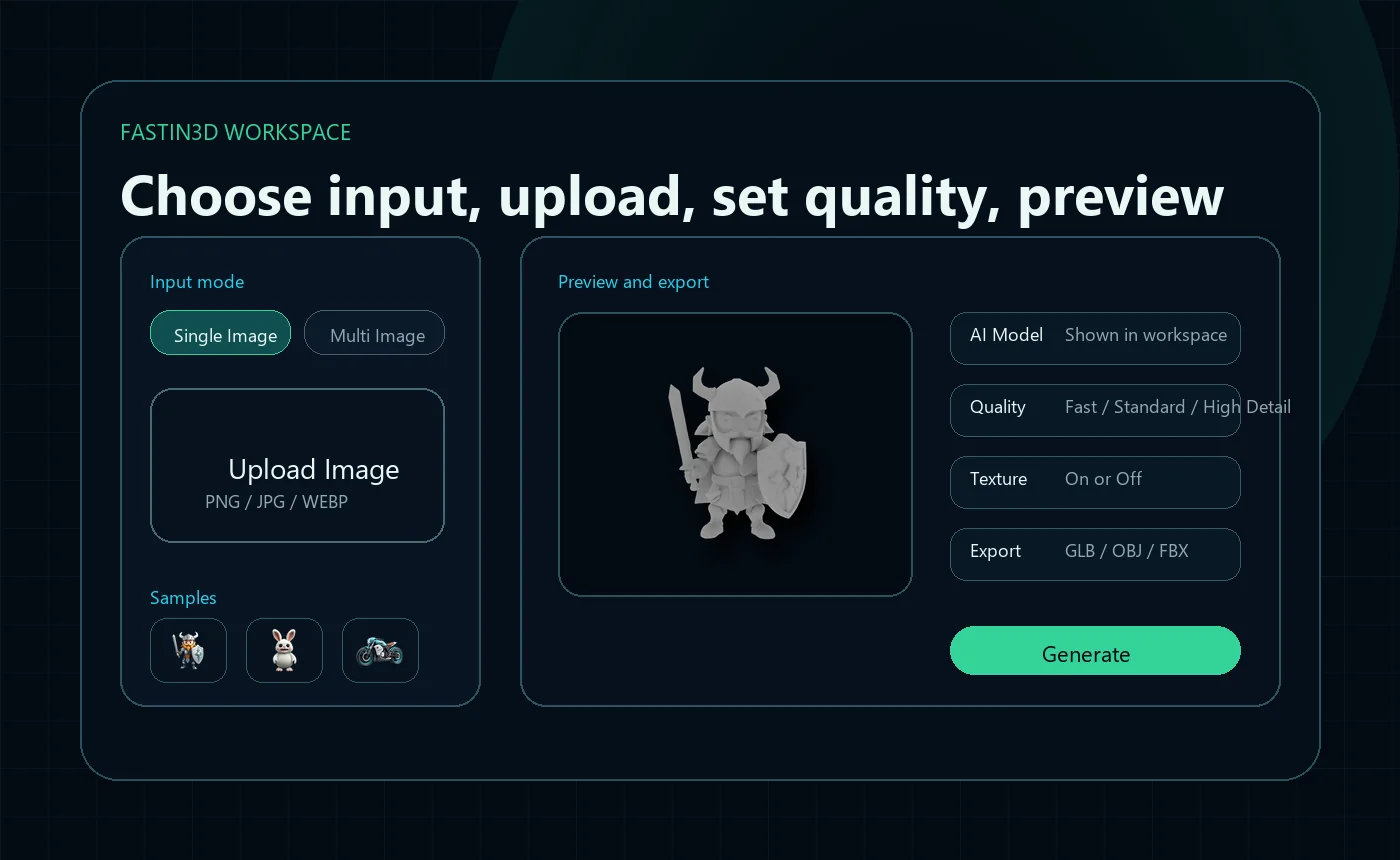
Learn how to prepare a reference image, choose Single Image or Multi Image, generate a 3D draft, inspect hidden sides, and export GLB, OBJ, or FBX.
Read the Image to 3D guideLearn how to prepare inputs, generate 3D drafts, texture existing models, preview results, and keep editing in compatible 3D software.
Published guide
Start with focused guides that help you prepare source files, write better prompts, preview generated assets, and continue editing in your preferred 3D tools.

Learn how to prepare a reference image, choose Single Image or Multi Image, generate a 3D draft, inspect hidden sides, and export GLB, OBJ, or FBX.
Read the Image to 3D guide
Upload an existing model, describe the material you want, preview the result, and continue editing the textured asset in your preferred 3D workflow.
Read the texture guideFastin3D
Create images, move into 3D, and finish textures in one workflow.
© 2026 Fastin3D. All rights reserved.